Using the Github UI to Make Pull Requests
From Joomla! Documentation
Github has a simple web interface that makes it very easy to propose a simple change to code. You do not need to install any software or do anything beside register for a git hub account.
- Identify a change you want to make.

- Find the file you want to modify on Github

- Click Edit to open the file

- Make your change

- Scroll down and click the Propose file change button (add a note if you want).

- Fill in any additional information in the pull request including a reference to the joomlacode issue.

- Click Send pull request.

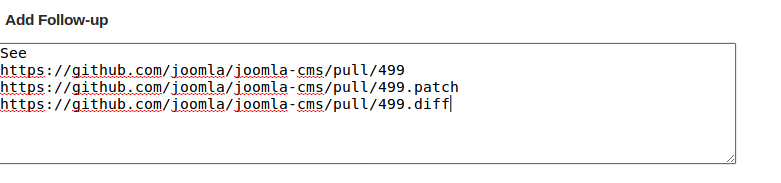
- Make a note in the joomlacode issue with any a link to the pull request.