記事にメニューリンクを追加
From Joomla! Documentation
チュートリアル
記事からメニューアイテムの追加方法
記事からメニューアイテムの追加方法
Joomla!
4.0
記事編集時に直接メニューアイテムを追加する手順
- 記事編集画面へ
- Going to Content → Articles and click on an existing one to edit it or
- Create a new one by clicking on New on the Content → Article-Page and click on Save after filling out the form. The Button will not appear if the article is not saved
- On the Article: Edit page you can click on New Menu Item to open the depending modal popup
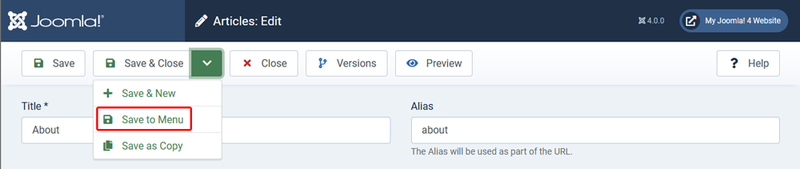
- Fill in the Menu Title, as Menu Item Type choose Single Article and select the newly created article. Remember to choose the correct Menu on the right where the link should appear. Note: You can select a single article but also multiple ones, e.g. by category

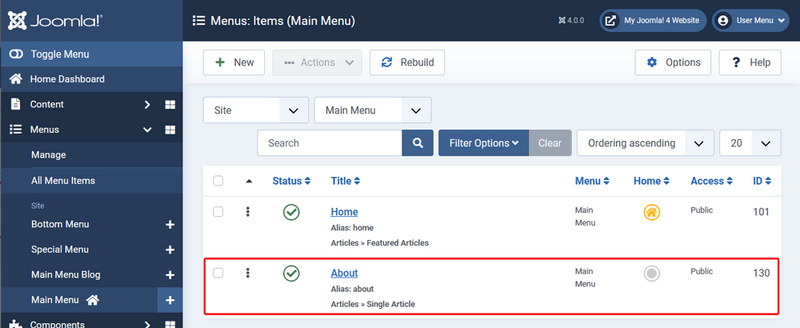
- Click Save&Close and head to Menus → [The Menu with the new Item]. You should now see the new item in the list